
Note
Go to the end to download the full example code.
Isosurface Contours#
This example demonstrates add_contour()
— the method for extracting and rendering an isosurface from a 3-D spherical
scalar field.
Internally, add_contour() builds a
SphericalMesh from the supplied coordinate
arrays and scalar data, then calls contour() to extract
the isosurface at the requested value before converting the result to
Cartesian coordinates for rendering. Multiple isovalues can be passed as an
array.
from __future__ import annotations

import numpy as np

from pyvisual import Plot3d
Magnetic Current Sheet#
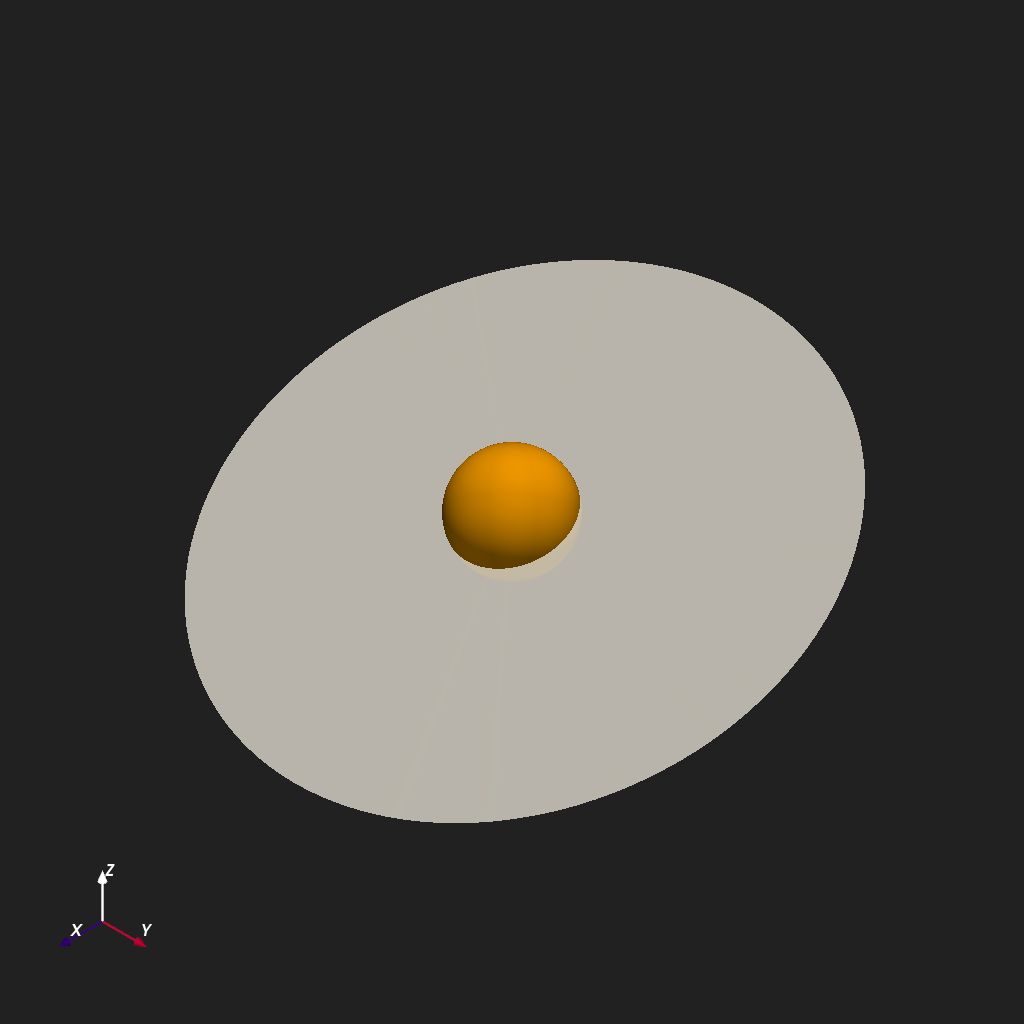
The heliospheric current sheet (HCS) is the surface in the corona and heliosphere where the radial magnetic field \(B_r\) reverses polarity. In a pure dipole, this surface is the flat equatorial plane; in a tilted or warped dipole, it becomes the “ballerina skirt” structure traced by spacecraft in situ measurements.
Below, a synthetic tilted-dipole field is constructed by adding a small azimuthal perturbation to a pure dipole \(B_r \propto \cos\theta\). The \(B_r = 0\) isosurface then reveals the wavy current sheet.
r = np.linspace(1, 5, 30)
t = np.linspace(0, np.pi, 60)
p = np.linspace(0, 2 * np.pi, 120)
R, T, P = np.meshgrid(r, t, p, indexing="ij")

# Tilted dipole: pure cos(theta) plus a longitude-dependent tilt
Br = np.cos(T) + 0.4 * np.cos(P) * np.sin(T)

plotter = Plot3d()
plotter.show_axes()
plotter.add_sun()
plotter.add_contour(r, t, p, Br, isovalue=0, color="white", opacity=0.8)
plotter.show()
Multiple Isovalues#
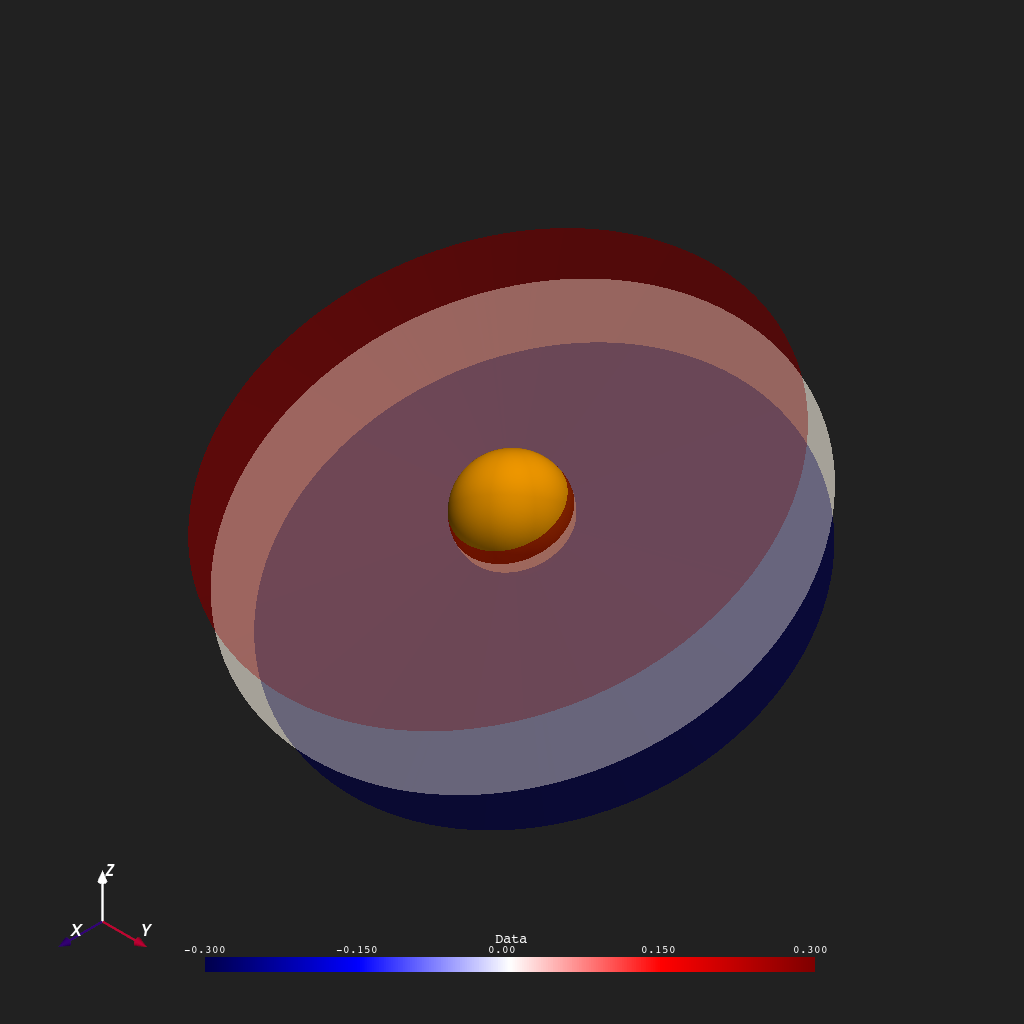
Passing an array to isovalue extracts several isosurfaces in a single
call. Here three nested surfaces are extracted at
\(B_r \in \{-0.3, 0, +0.3\}\), colored by value to distinguish the
positive-polarity, neutral, and negative-polarity boundaries.
plotter = Plot3d()
plotter.show_axes()
plotter.add_sun()
plotter.add_contour(
    r, t, p, Br, isovalue=[-0.3, 0.0, 0.3], cmap="seismic", clim=(-0.3, 0.3), opacity=0.7
)
plotter.show()
Using MAS Data#
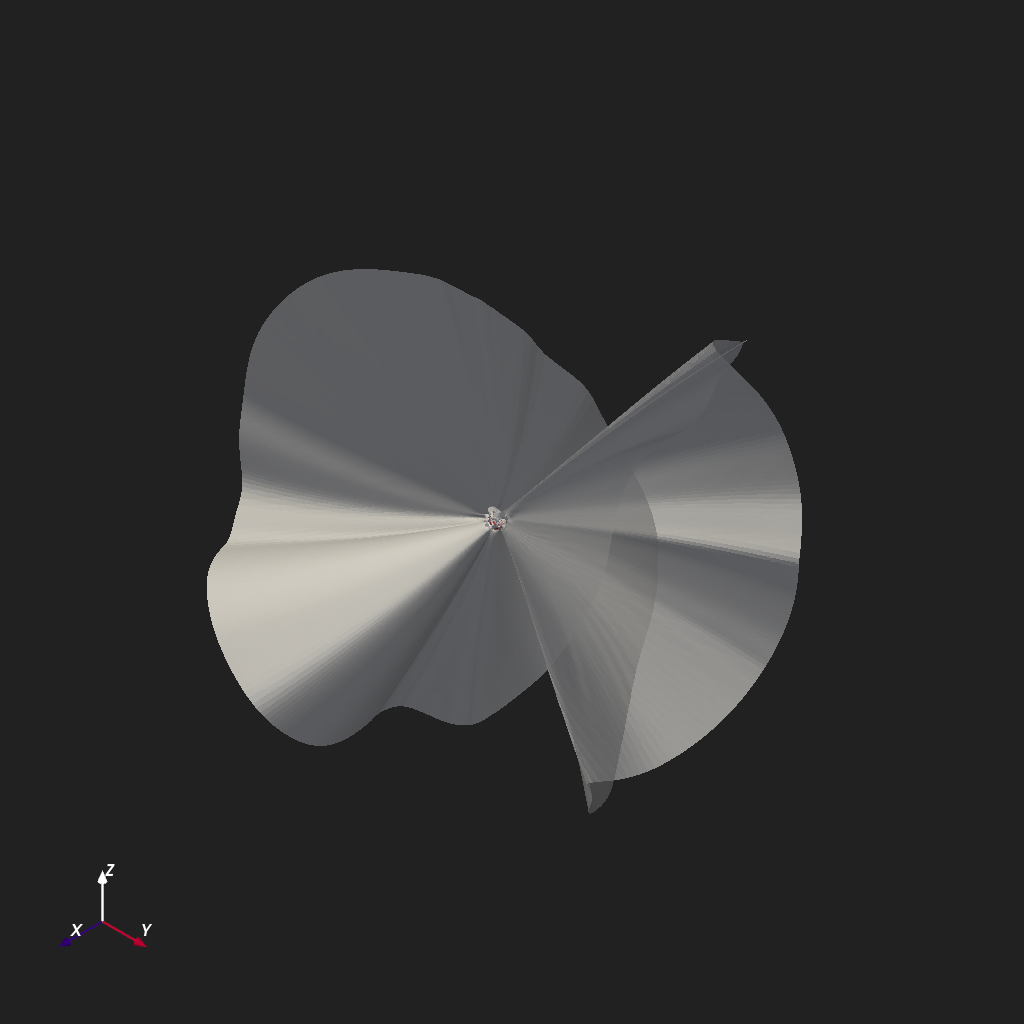
To demonstrate this contouring method on \(B_r\) data from a
steady-state Thermodynamic MAS coronal model, we can load in the data
using read_hdf_data().
from psi_data import fetch_mas_data  # noqa: E402
from psi_io import read_hdf_data  # noqa: E402

br_file = fetch_mas_data(domains="cor", variables="br").cor_br
br, r, t, p = read_hdf_data(br_file)

plotter = Plot3d()
plotter.show_axes()
plotter.add_2d_slice(r[1], t, p, br[..., 1], cmap="seismic", clim=(-30, 30), show_scalar_bar=False)
plotter.add_contour(r, t, p, br, isovalue=0, color="white", opacity=0.9)
plotter.show()
Total running time of the script: (0 minutes 3.316 seconds)