
Note
Go to the end to download the full example code.
Arithmetic and NumPy Ufunc Support#
CartesianMesh (and
SphericalMesh) inherit a full arithmetic suite
from _BaseFrameMesh. Standard Python operators
(+, -, *, /, **, etc.) and NumPy ufuncs such as
numpy.log10 and numpy.sqrt operate element-wise on the active
scalar field and return a new mesh of the same type with the result as the
active scalar. The coordinate arrays are never modified — only the data
changes.
from __future__ import annotations

import numpy as np

from pyvisual import Plot3d
from pyvisual.core.mesh3d import CartesianMesh
Build a Mesh#
Construct a CartesianMesh over a regular
Cartesian grid. The scalar data is the Euclidean distance
\(r = \sqrt{x^2 + y^2 + z^2}\) from the origin, providing a smooth,
sign-definite field on which to demonstrate arithmetic operations.
x = np.linspace(-5, 5, 20)
y = np.linspace(-5, 5, 20)
z = np.linspace(-5, 5, 20)
X, Y, Z = np.meshgrid(x, y, z, indexing="ij")
dist = np.sqrt(X**2 + Y**2 + Z**2)

mesh = CartesianMesh(X, Y, Z, data=dist, dataid="r")
print(f"data range : [{mesh.data.min():.2f}, {mesh.data.max():.2f}]")       # noqa: T201
data range : [0.46, 8.66]
Scalar Arithmetic#
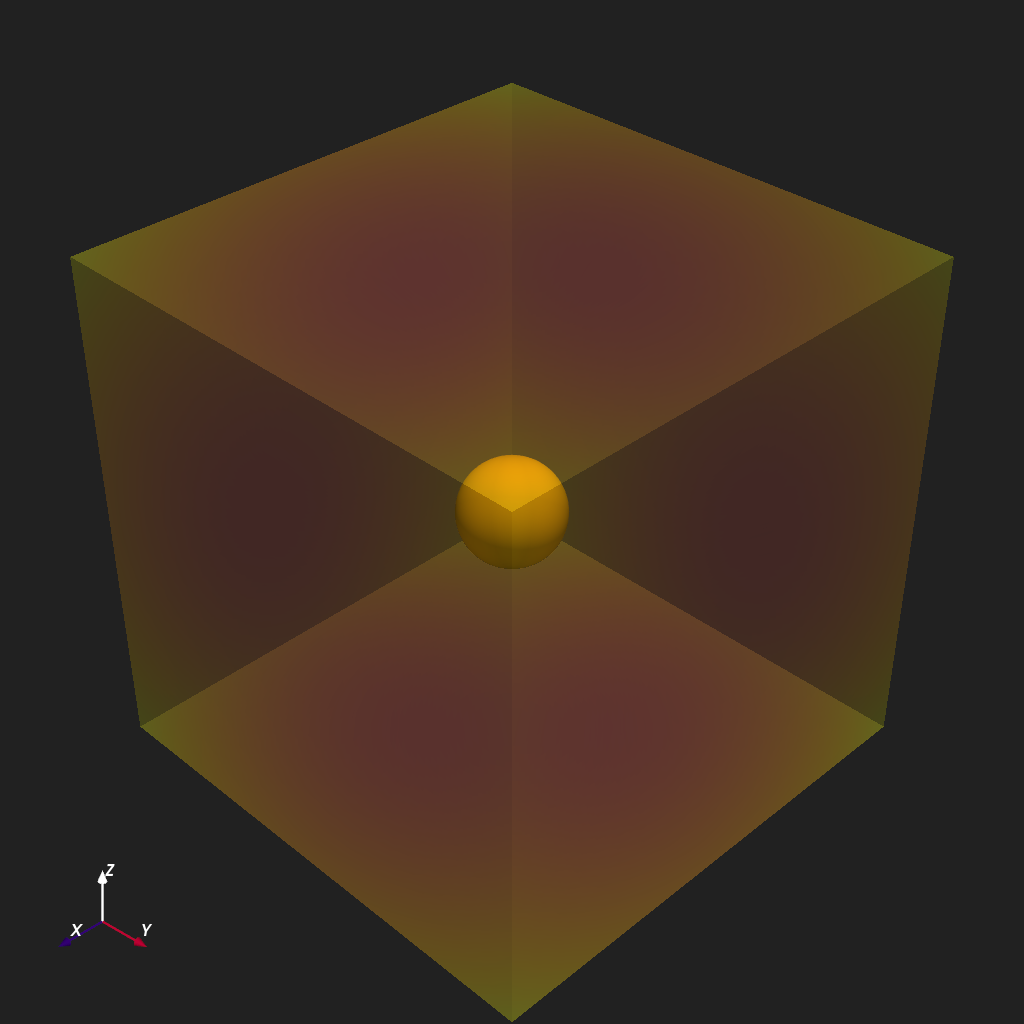
Standard Python arithmetic operators act element-wise on the active scalar
field and return a new CartesianMesh — the
point coordinates are untouched. Here we subtract the field minimum to
shift the distribution to zero, then divide by the resulting maximum to
normalize to the range \([0, 1]\).
mesh_shifted = mesh - mesh.data.min()
mesh_norm = mesh_shifted / mesh_shifted.data.max()
print(f"normalised range : [{mesh_norm.data.min():.2f}, {mesh_norm.data.max():.2f}]")       # noqa: T201

plotter = Plot3d()
plotter.show_axes()
plotter.add_sun()
plotter.add_mesh(mesh_norm, cmap="plasma", clim=(0, 1), opacity=0.3, show_scalar_bar=False)
plotter.show()
normalised range : [0.00, 1.00]
NumPy Ufunc: np.log10#
The __array_ufunc__() hook lets
any single-output NumPy ufunc act directly on the mesh.
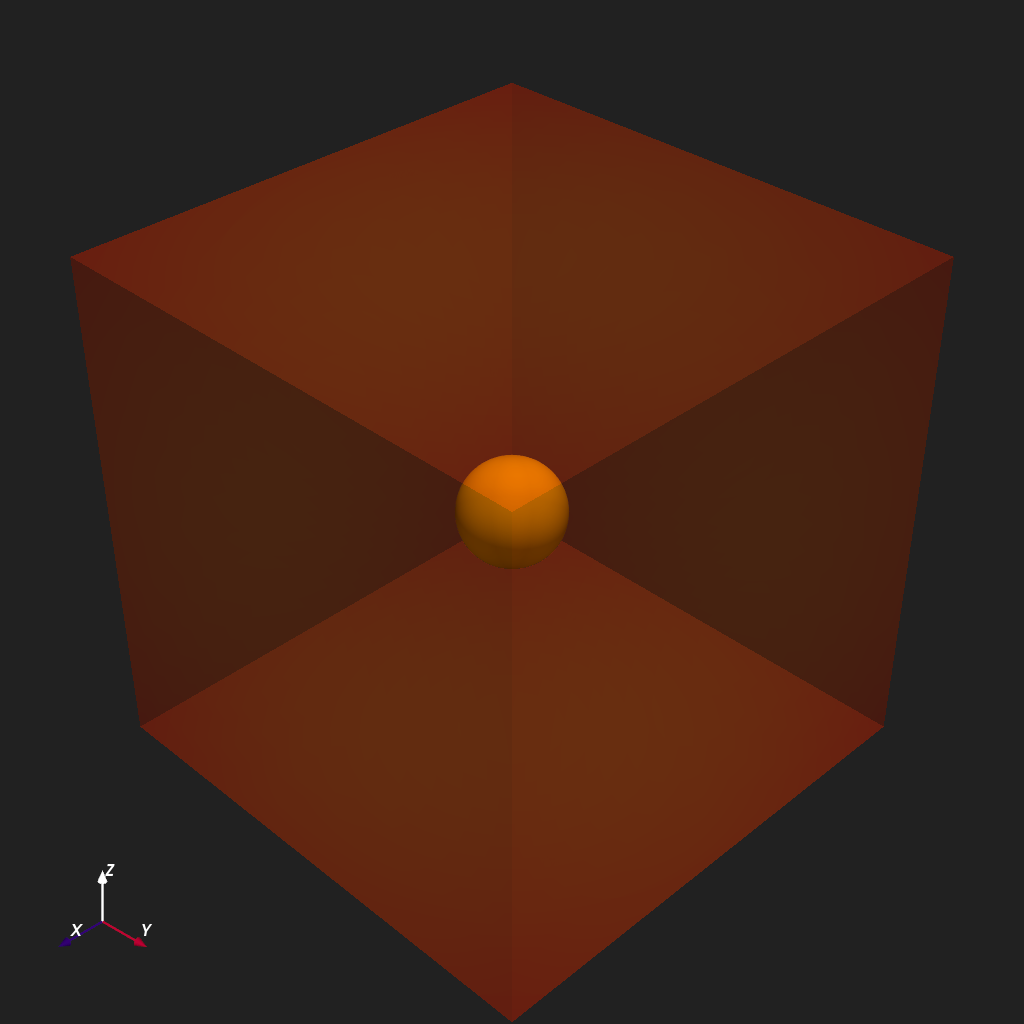
numpy.log10 applied to the normalized distance converts the field to
a logarithmic scale that compresses the large dynamic range near the outer
boundary and reveals structure close to the origin. Points at or below zero
(here, the grid corner where \(r = 0\)) are masked by the log.
mesh_log = np.log10(mesh_norm + 1e-6)
print(f"log10 range : [{mesh_log.data.min():.2f}, {mesh_log.data.max():.2f}]")      # noqa: T201

plotter = Plot3d()
plotter.show_axes()
plotter.add_sun()
plotter.add_mesh(mesh_log, cmap="rainbow", clim=(-3, 0), opacity=0.3, show_scalar_bar=False)
plotter.show()
log10 range : [-6.00, 0.00]
Total running time of the script: (0 minutes 0.913 seconds)